Client services
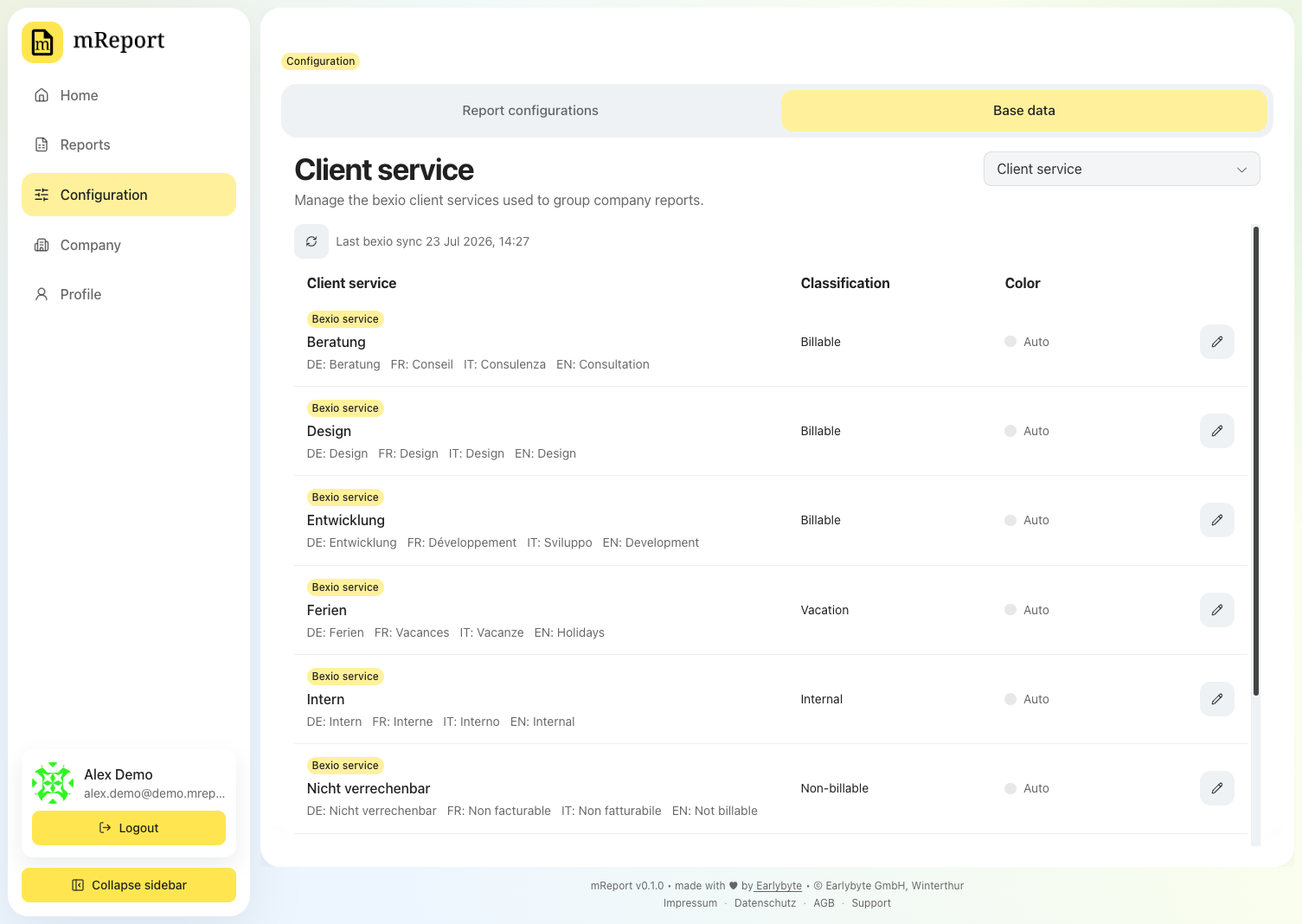
Every bexio time entry carries a client service. mReport uses it for two things: deciding whether the time is billable, and picking the color it gets in charts.
Fields
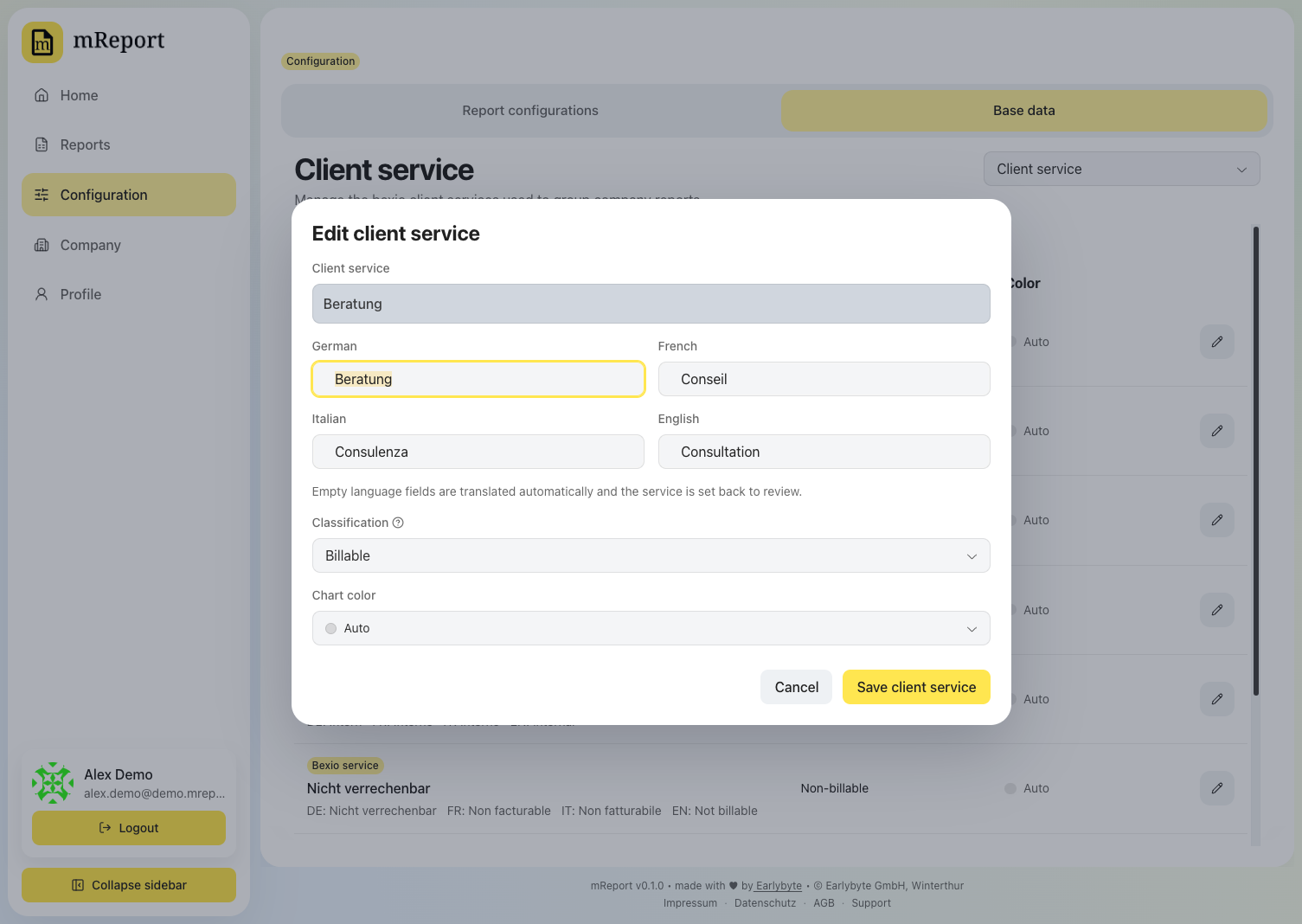
| Field | Effect |
|---|---|
| Name (DE / FR / IT / EN) | The label shown on dashboards and PDFs, per language |
| Classification | Billable or non-billable — drives the billable totals and the CHF view of the work report |
| Chart color | Pins the service to a palette slot (Color 1 … Color 8), not to a fixed hex value |
A slot, not a color
Pinning a service to Color 3 means it always takes whatever color sits in slot 3 of the active scheme. Switch schemes and the service changes color but keeps its slot, so a report stays internally consistent. A service with no slot takes the next free color from the client-service palette — see chart colors.
Services are synced from bexio; you classify and color them here.