Getting started
Setting up mReport takes about ten minutes. The guided wizard walks you through every step and remembers where you stopped.
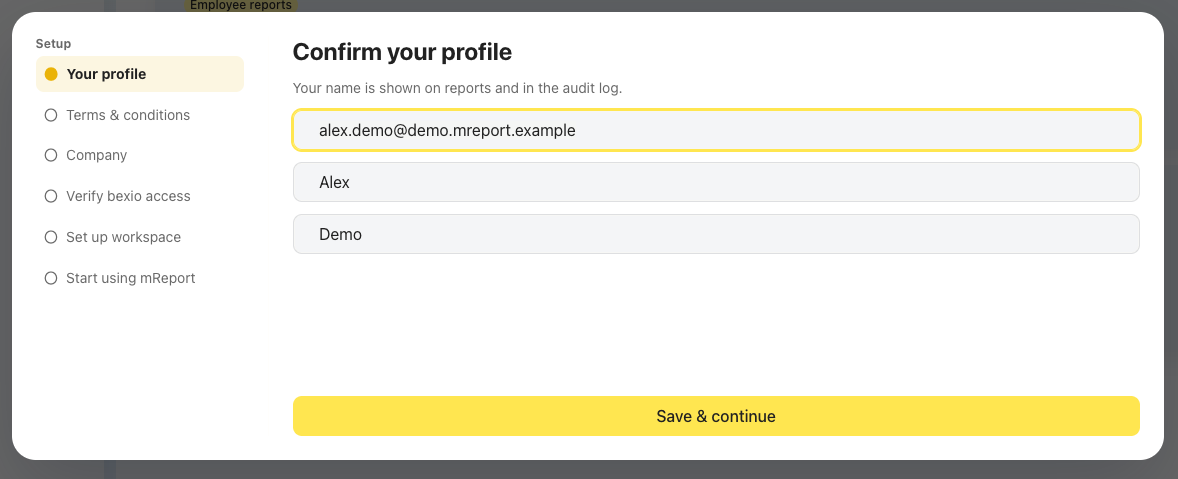
1. Confirm your profile
Your name and email come from the bexio login. Adjust them if you want a different name on your reports.
2. Accept the terms
Read and accept the terms of use and the privacy policy. The wizard does not continue until you do.
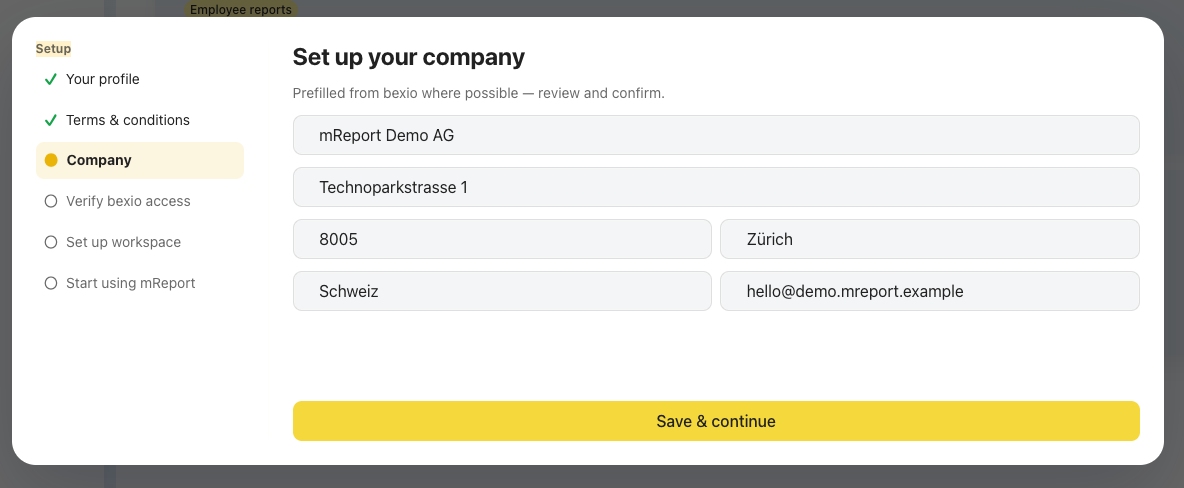
3. Set up your company
Company name, VAT number and address are pre-filled from bexio. These appear on the PDF exports, so it is worth checking them now.
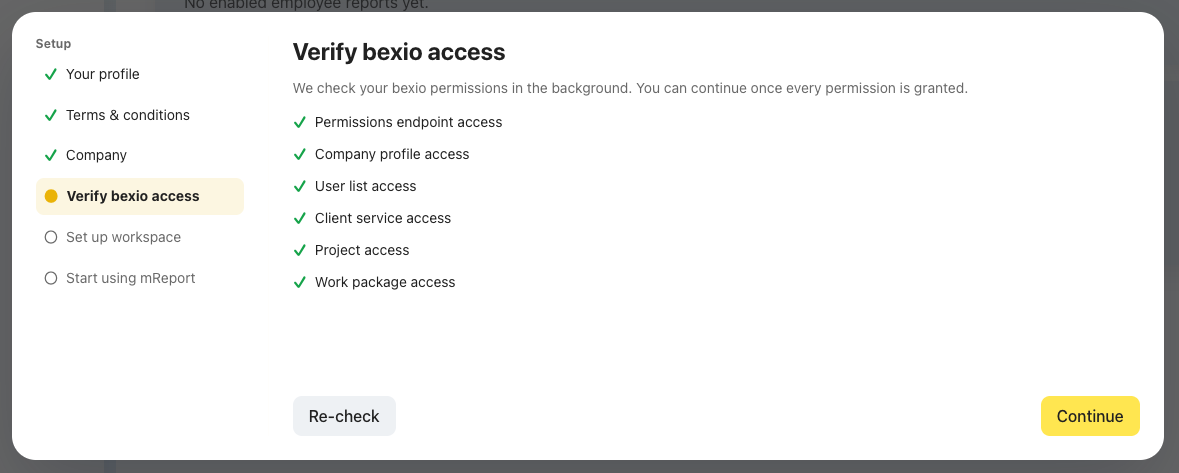
4. Verify bexio access
mReport checks that it can read everything it needs. All six checks must pass.
A check fails?
The most common cause is a bexio user without the matching permission. Fix it in bexio, then use Recheck — you do not need to restart the setup.
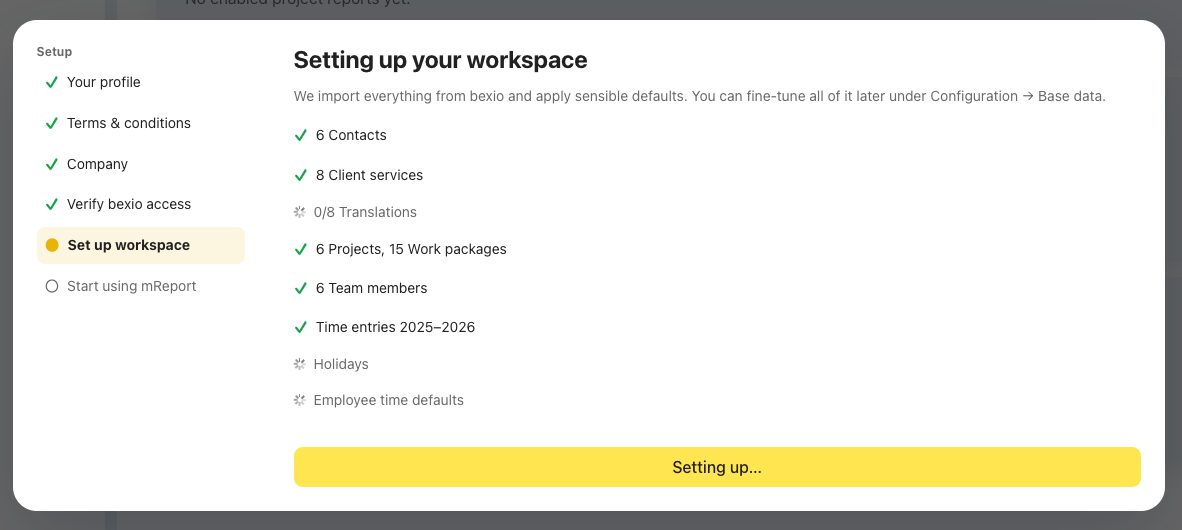
5. Wait for the first import
mReport pulls your projects, work packages, contacts, client services and users.
6. Start your trial
You land on the home dashboard. Next: create your first report configuration.
A free setup call is available until 31 December 2026
A 30-minute guided setup normally costs 75 CHF and is free during the launch period. Book a setup call from the banner on the home dashboard.