Employee report
Answers did this person work their expected hours — and what that means for overtime and vacation.
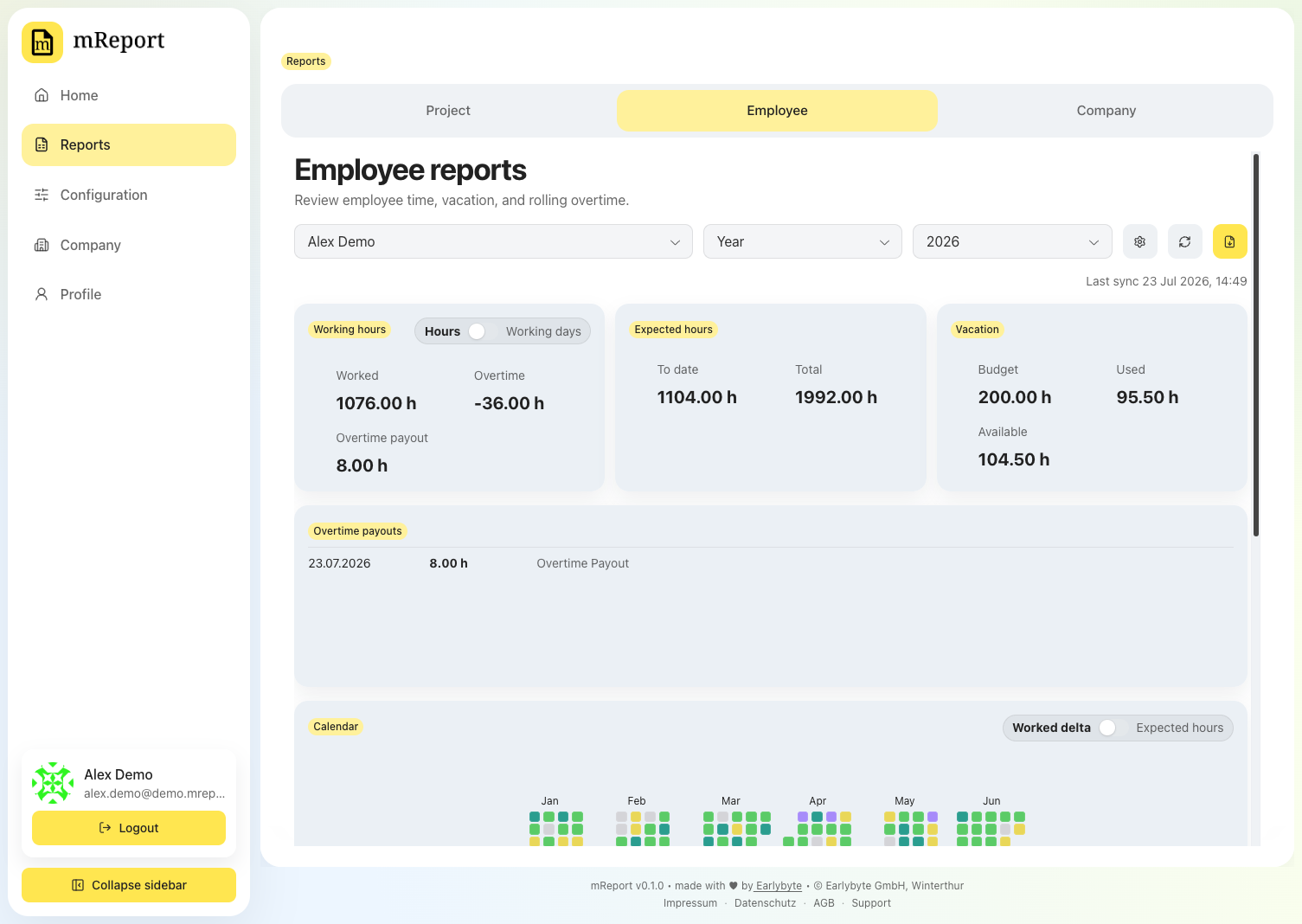
The year calendar
Each day is colored by how far the recorded hours are from the expected hours. The exact thresholds are in the chart colors.
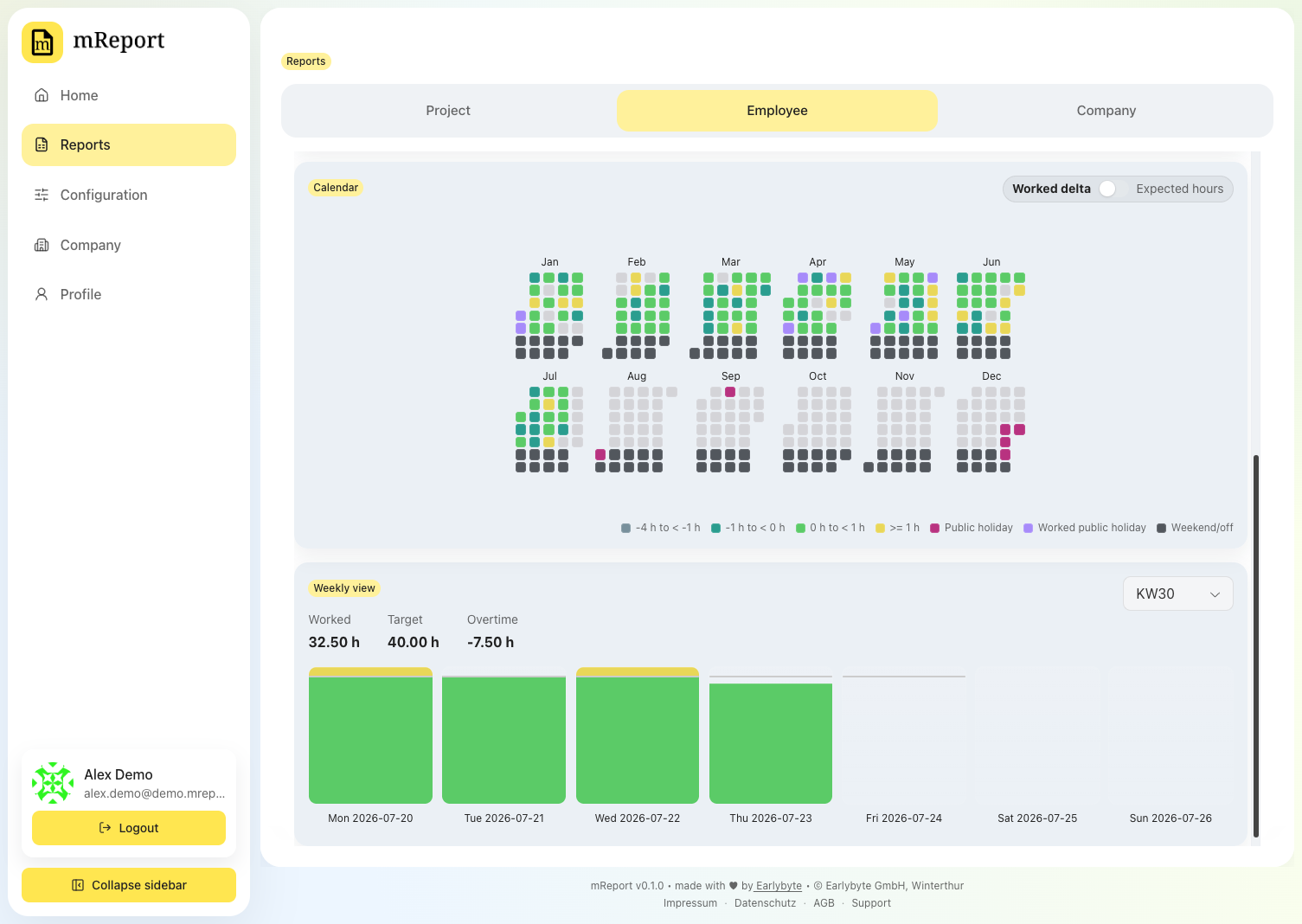
Hovering a day explains it:
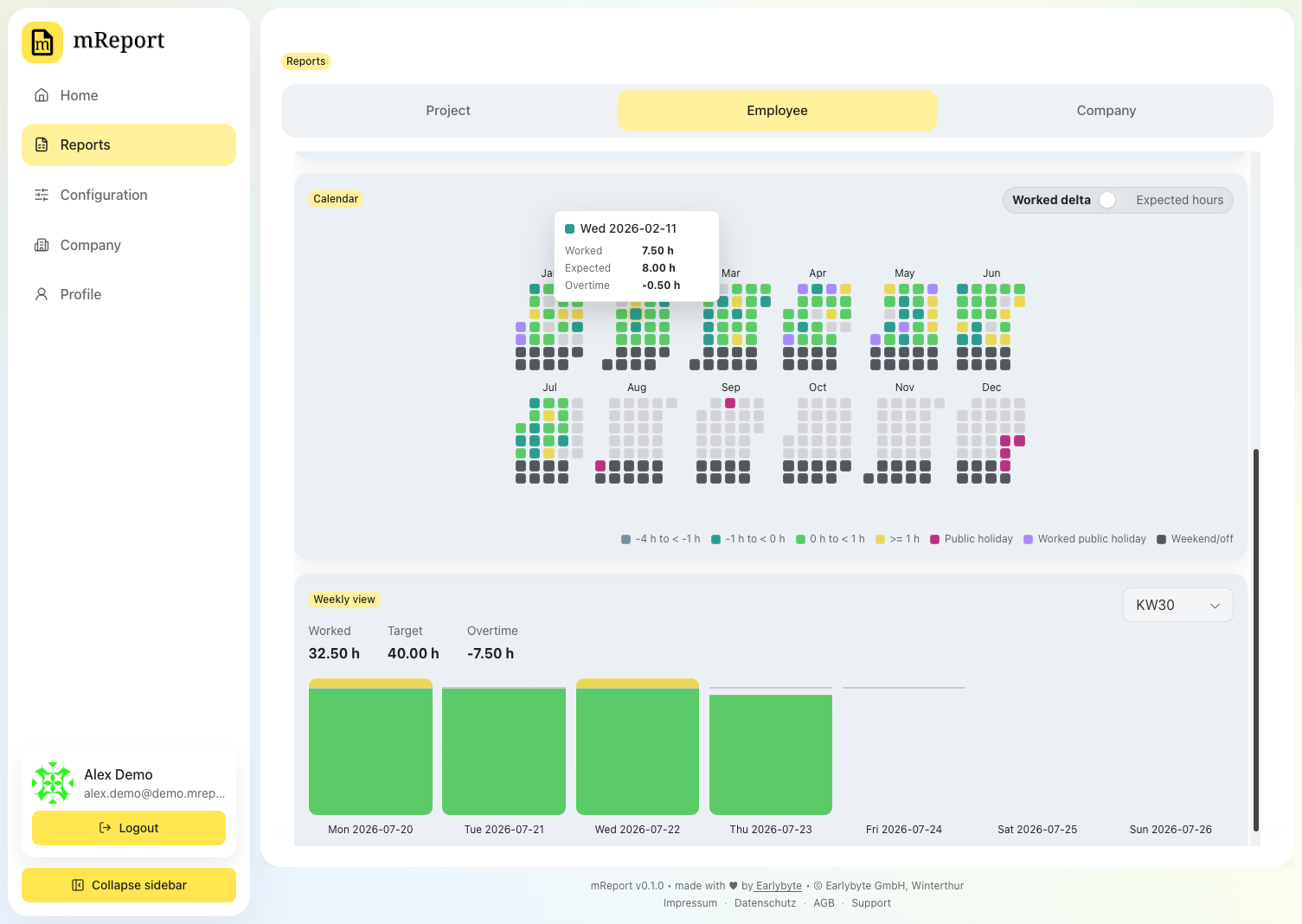
Public holidays are labelled by name, so an empty day is obviously a holiday rather than a gap:
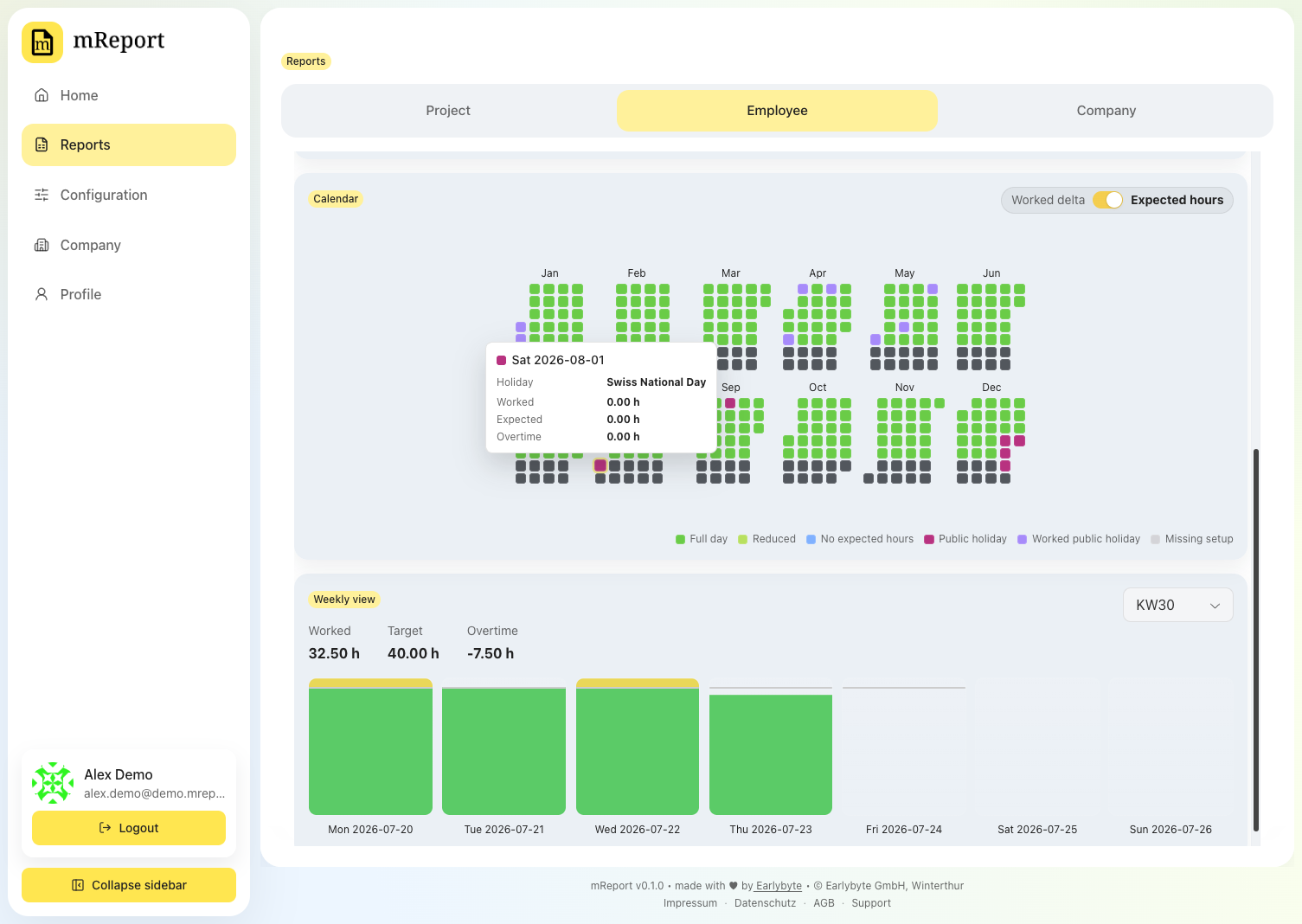
Totals
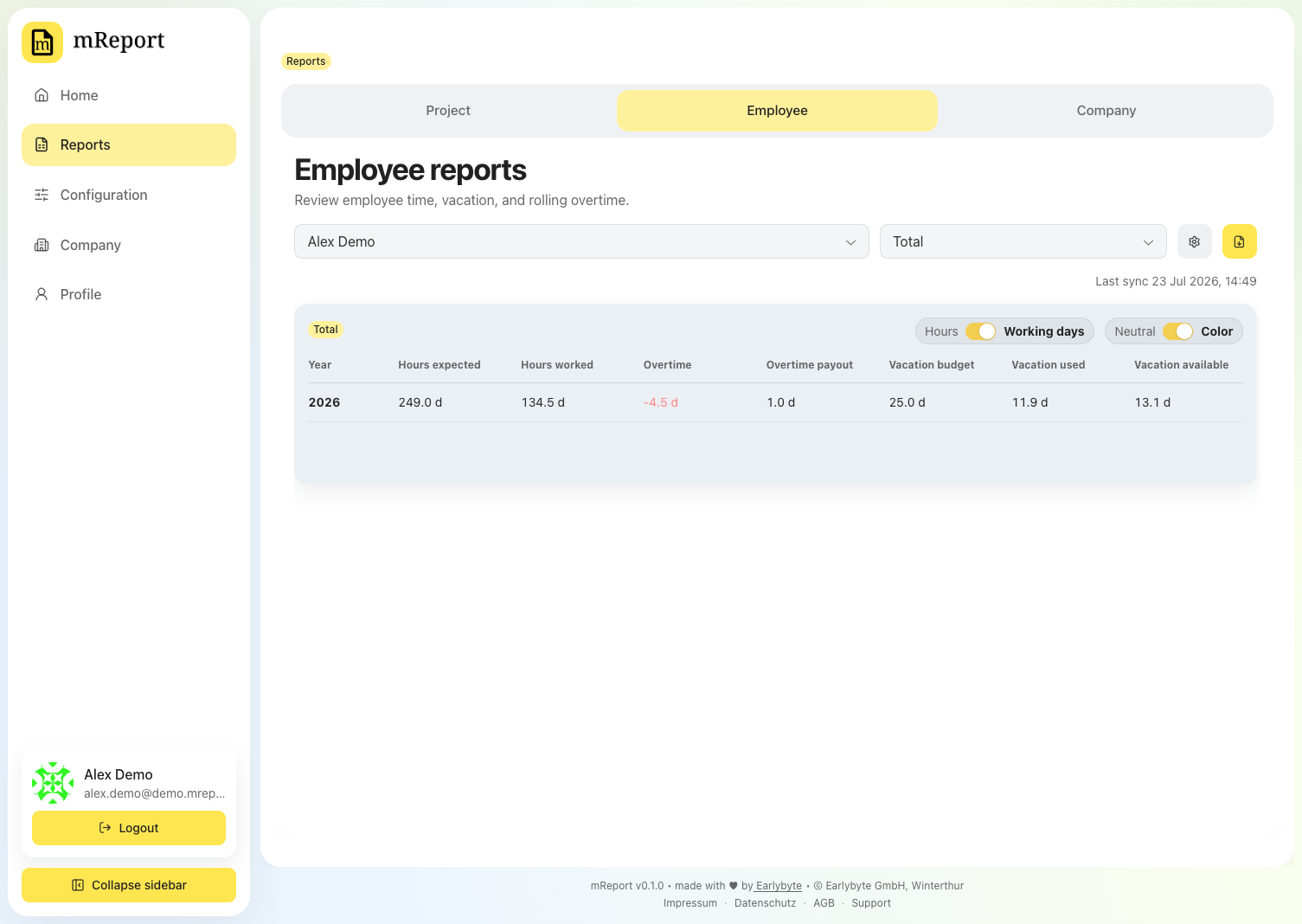
The Total period gives the yearly summary — worked, expected, overtime and vacation — and can span several years. Overtime is printed in red when the person is behind the hours expected of them.
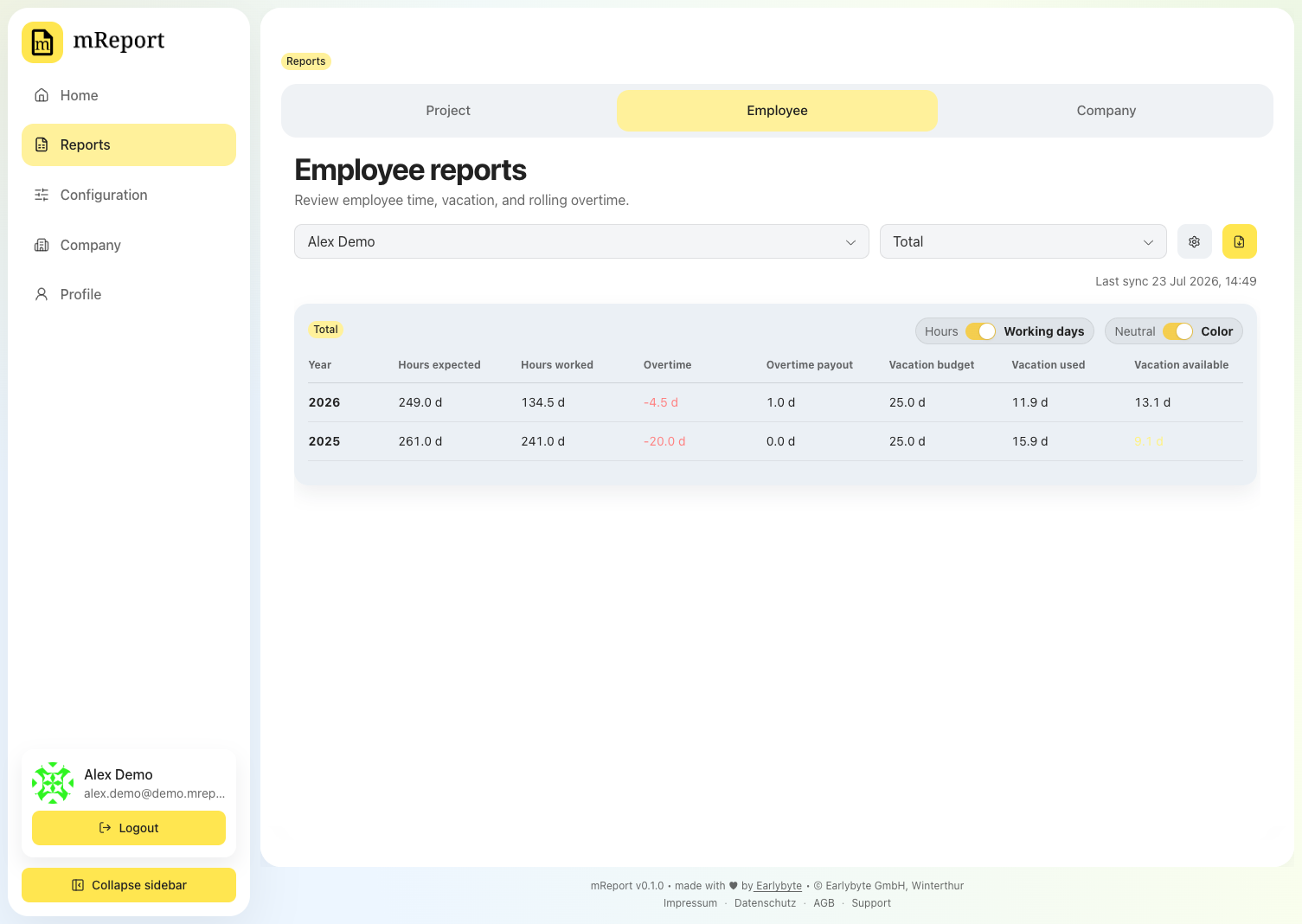
Switch between hours and working days, and turn color on to make negative overtime obvious:
Best practice: one vacation work package for everyone
Vacation is read from a bexio work package. Set up one project with one vacation work package per year that the whole team books against — for example a project Absences with a work package Vacation 2026.
You then pick that package once, in Employee time, and every employee inherits it. Give people their own vacation packages instead and each one has to be assigned individually, in that person's employee time dataset, every year.
Vacation entitlement stays personal either way — the shared package is where the days are booked, not how many days someone gets.
Export as PDF
The PDF prints the person's year as one table — a row per month with hours worked, expected hours and overtime beside vacation taken and vacation left — closed by the year's totals and the record of any overtime paid out. It is addressed to the employee when their time dataset carries a postal address, and to their name alone when it does not, which is what an internal document needs.
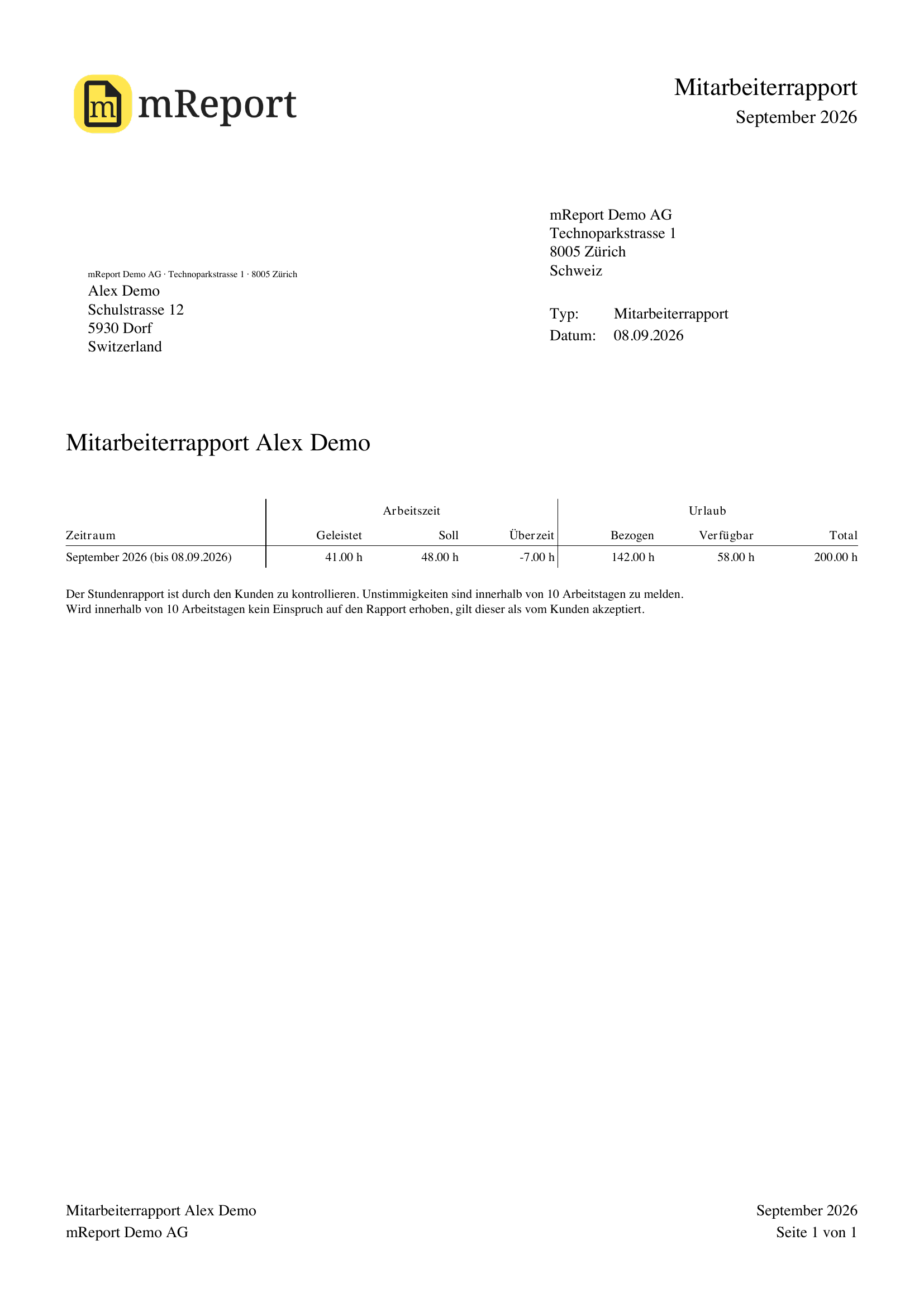
Look before you spend an export
The eye beside the export button opens the same report as a preview: the real document at the real layout, with an outlined box where your logo goes. It opens in a window rather than downloading, and it does not count against your plan's monthly PDF allowance. The export carries your logo.
Changing what you see
| You want to | Go to |
|---|---|
| Change working days, hours or vacation rules | Employee time |
| Change the calendar's day colors | Employee time |
| Change those rules for one date range, or record an overtime payout | Employee report configuration |
| Change which holidays count | Holidays |
| Write the disclaimer text | Disclaimers; pick it per time dataset |
| Change the sender block on the PDF | Company profile |