Your profile
Your own name and email, as they appear on reports and in the audit log.
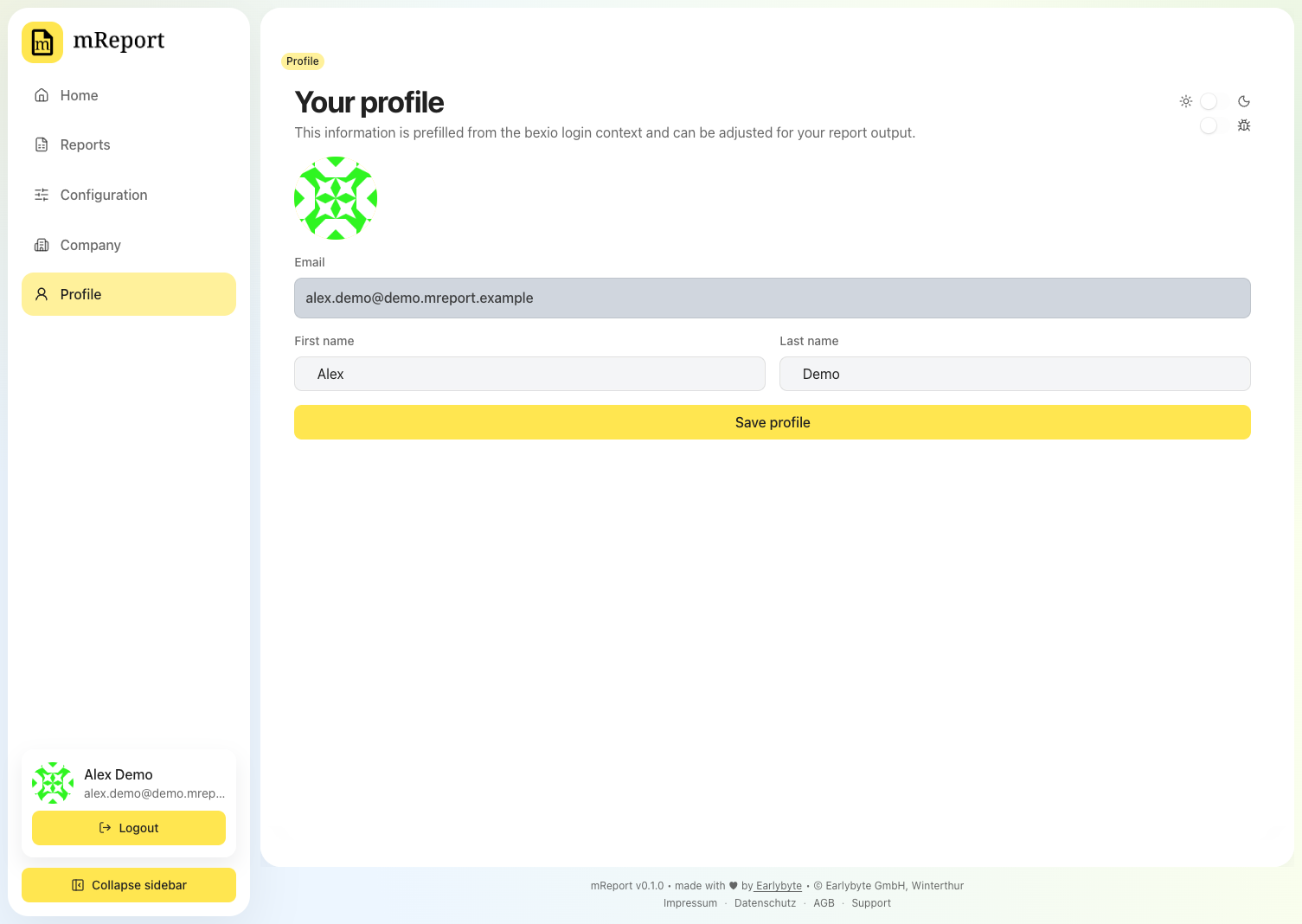
The values are prefilled from your bexio login. Changing them here affects only mReport.
The sidebar also holds your dark mode preference and the collapse sidebar control; both are per user and follow you to any browser you sign in from.
Language
Language sets the language mReport is shown to you in — German, French or English.
It is yours, not the workspace's: a colleague can read mReport in another language while you both look at the same figures. When you first sign in, mReport uses the language your browser asks for and the setup wizard asks you to confirm it, so you are not left reading a language you do not speak in order to find the setting that fixes it. Until you choose, your browser keeps deciding.
It does not change an exported report PDF. A PDF is a document you send to someone, so its language follows the recipient and is set under PDF layout and per report preset.
Email from mReport follows your choice too — the welcome message, the trial reminders and the payment notices arrive in the language set here, per person: two colleagues in the same workspace can receive the same notice in two different languages.
Two things stay English whatever you pick: the Debug and Admin screens, which are operator tools, and anything named in bexio — a project or a work package keeps the name your workspace gave it. Client services and holidays are the exception, because mReport keeps translations of those.